
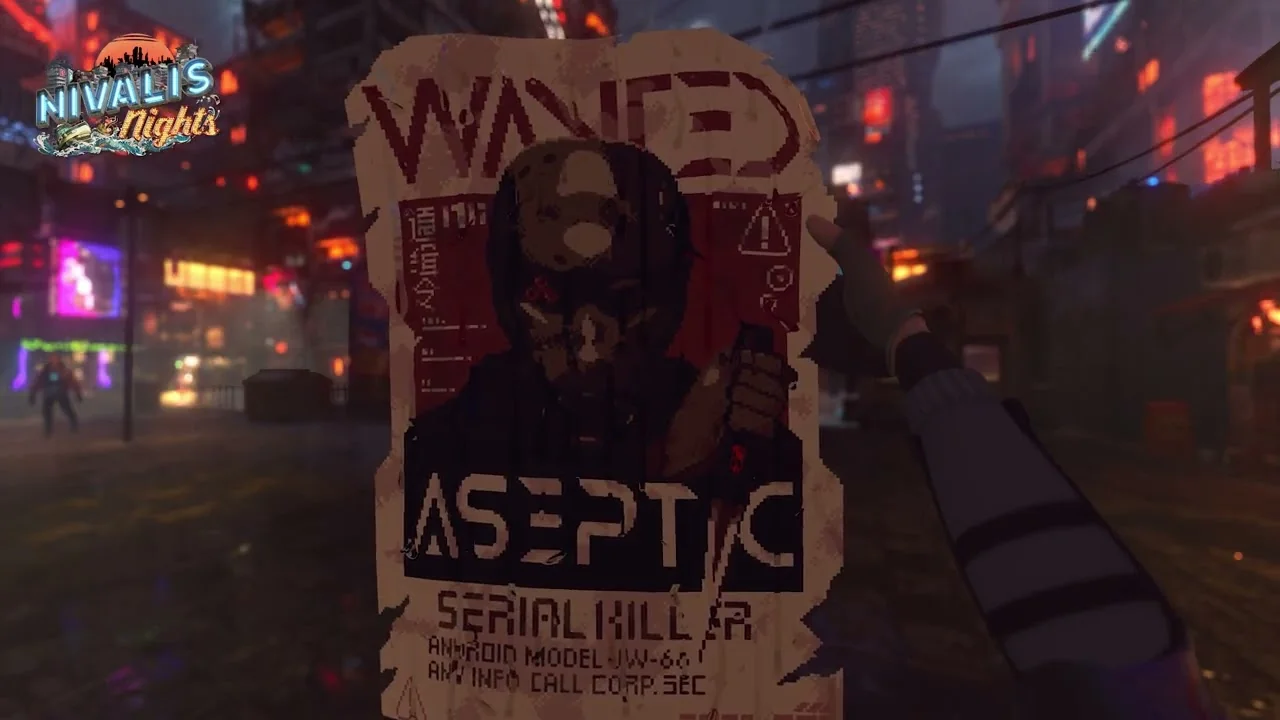
Recommended Optimal Presets (Update #2 Tested)
Because Nivalis Nights features intensive voxel geometry streaming and dynamic lighting, unconstrained settings will trigger APU throttling and rapid battery drain. The configuration below targets a smooth, judder-free 30 or 40 FPS presentation:
| Setting / Parameter | Target Value | Optimization Impact |
|---|---|---|
| Display Refresh / FPS Cap | 40 Hz / 40 FPS (OLED) or 30 FPS (LCD) | Eliminates frame pacing judder; saves ~4W APU headroom. |
| TDP Power Limit | 11W - 12W | Maintains ~2.5 to 3 hours battery life without thermal throttling. |
| Lighting Details (Update #2) | 30% - 40% | Activates distance light culling, stopping FPS dips in Meridian Market. |
| Crowd Density (Update #4) | Low / Medium | Reduces how many background characters render; the developer describes it as a small performance boost, which matters most in busy plazas. |
| Texture Quality | Medium | In Update #2, Low texture was removed; Medium is now base standard. |
| Shadow & Reflection Quality | Medium | Keeps neon water reflections intact while easing shader pipelines. |
| Storage Location | Internal NVMe SSD | Essential to prevent micro-stutters during fast travel and transit transitions. |
| Proton Compatibility | Proton Experimental | Provides optimal controller vibration and dialogue window scaling. |
Key SteamOS Quick Access Controls
1. TDP APU Limiter
Accessible via the Quick Access Menu (…) > Performance tab. Locking TDP to 11W stabilizes fan noise during outdoor rainstorms and extends handheld sessions without sacrificing dialogue responsiveness.
2. Lighting Details Culling
Located inside the in-game Graphics menu. With the slider all the way right, every light source in your field of view renders simultaneously. Lowering the slider culls distant decorative lamps, yielding an instant 5–8 FPS boost in commercial hubs.
What Still Does Not Work Well on Deck
Being honest about the limits is more useful than a settings table on its own, because the patch notes describe a game that is being tuned rather than one that shipped handheld-ready.
| Issue | Status |
|---|---|
| No official Deck Verified rating | Unchanged since launch. The developer said it would widen supported hardware over time but has not announced a Deck milestone. |
| Fast travel can degrade performance | Flagged as a known issue in Update #2. The developer's workaround is to save after arriving and reload that save. Update #4 reduced memory pressure during travel, which lowers crash risk rather than eliminating the frame-time dip. |
| Crowd-related frame drops | Update #3 improved crowd simulation and animation performance, and Update #4 added Crowd Density as a manual lever. |
| Texture quality floor | Low was removed in Update #2, so Deck users cannot push texture quality below Medium to recover VRAM headroom. |
If the Deck is your only option and the settings above still are not enough, the launch announcement confirmed the game is available on GeForce NOW, which sidesteps the APU entirely. For the underlying hardware tiers see PC system requirements, and for the full list of which patch changed what, see the patch notes archive. If you have swapped to a desktop session and your venues are still misbehaving, the manager money drain fixes cover the economy side.
❓Frequently Asked Questions
Is Nivalis Nights officially Steam Deck Verified?↓
Can you play Nivalis Nights smoothly on Steam Deck?↓
How do I fix stuttering when entering dense districts like Meridian Market?↓
Which setting should I lower first for frame rate?↓
Did the post-launch patches help handheld performance?↓
Is there a way to play on Deck without a strong handheld?↓
🔗Related Nivalis Guides
Compare desktop specs against handheld APU limits.
Every graphics and performance change since launch, in order.
Tune camera shake, head bobbing, and cockpit boat controls.
If the venue you left running is broke by the time you look up.
Audio, motion sickness, display, and hardware guides.